Introduction
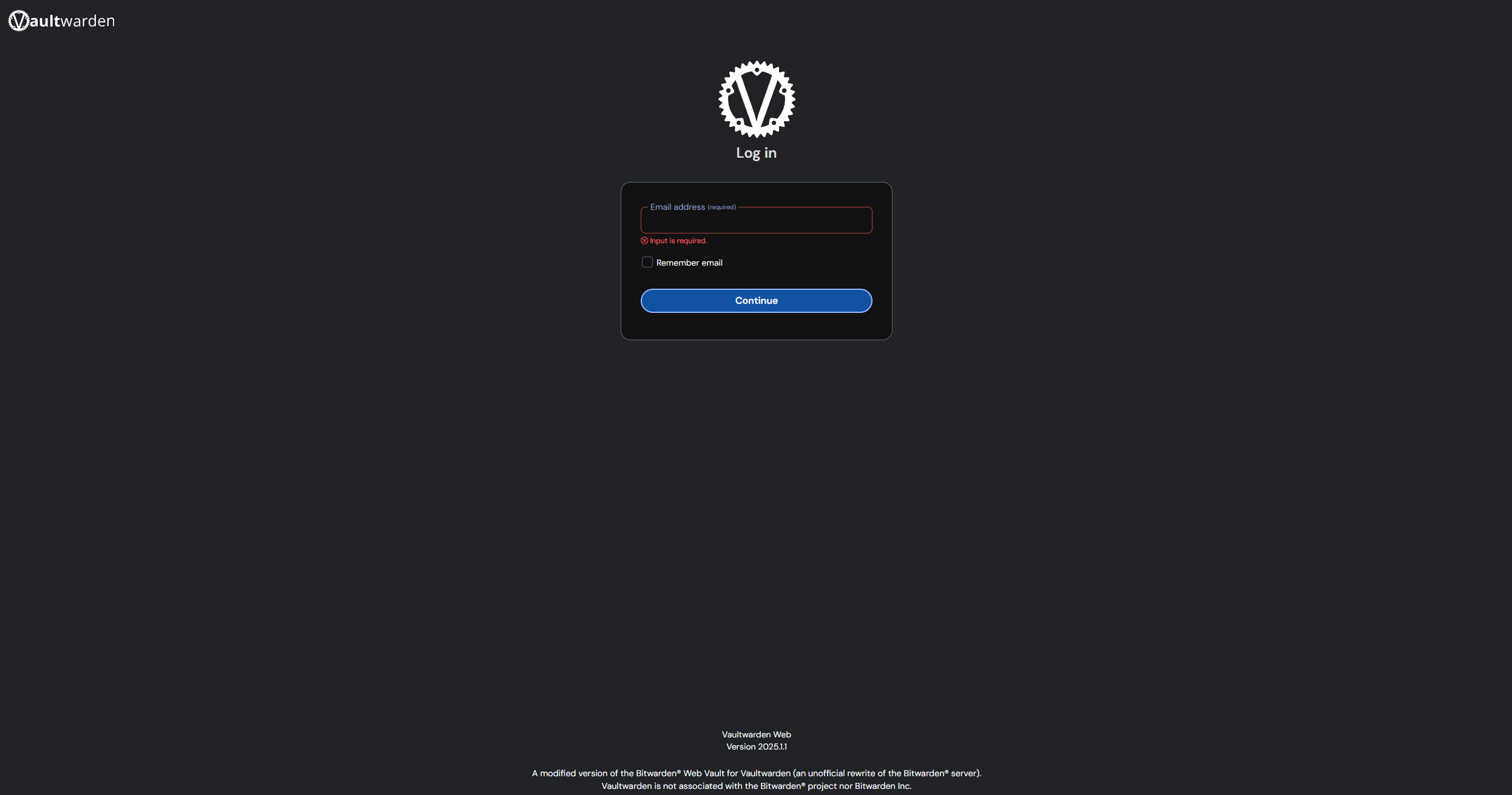
Ensuring secure and convenient management of passwords is critical in today’s digital environment. Vaultwarden offers a powerful, self-hosted solution that enables complete control over your sensitive information. By hosting Vaultwarden on a Debian virtual machine, running via VMware ESXi on a Dell PowerEdge R730 server, I’ve created a highly secure and accessible password management system.
This setup is perfect for individuals and organizations seeking greater security and autonomy over their password management. Vaultwarden delivers robust encryption, intuitive management, and flexible remote accessibility, ensuring password security is both straightforward and reliable.
Project Details
Key components and technologies used:
- Vaultwarden: A self-hosted, open-source password manager compatible with Bitwarden clients, providing secure storage and easy access to credentials.
- Docker: Container technology used for deploying Vaultwarden efficiently, ensuring easy maintenance, updates, and isolation from the host system.
- Debian VM: A stable, reliable Linux distribution running as a virtual machine on VMware ESXi, providing an optimal environment for hosting secure services.
- VMware ESXi: A robust hypervisor deployed on a Dell PowerEdge R730, managing virtual resources effectively for high performance and stability.
- Cloudflare Tunnel (cloudflared): A secure, reliable reverse proxy method providing encrypted access to Vaultwarden from anywhere, without exposing it directly to the internet.
- Bitwarden Applications and Browser Extensions: Seamlessly integrates with Vaultwarden, providing user-friendly access and management of passwords across various devices and browsers.
Process
The setup began by creating a Debian virtual machine on VMware ESXi running on my Dell PowerEdge R730 server. This virtual environment ensures dedicated resources, isolation, and ease of maintenance, essential for stable and secure operation.
Vaultwarden was deployed via Docker within this Debian environment, leveraging Docker’s powerful containerization capabilities. This approach simplifies the deployment process, ensures rapid updates, and isolates the application from the host, enhancing overall security and maintainability.
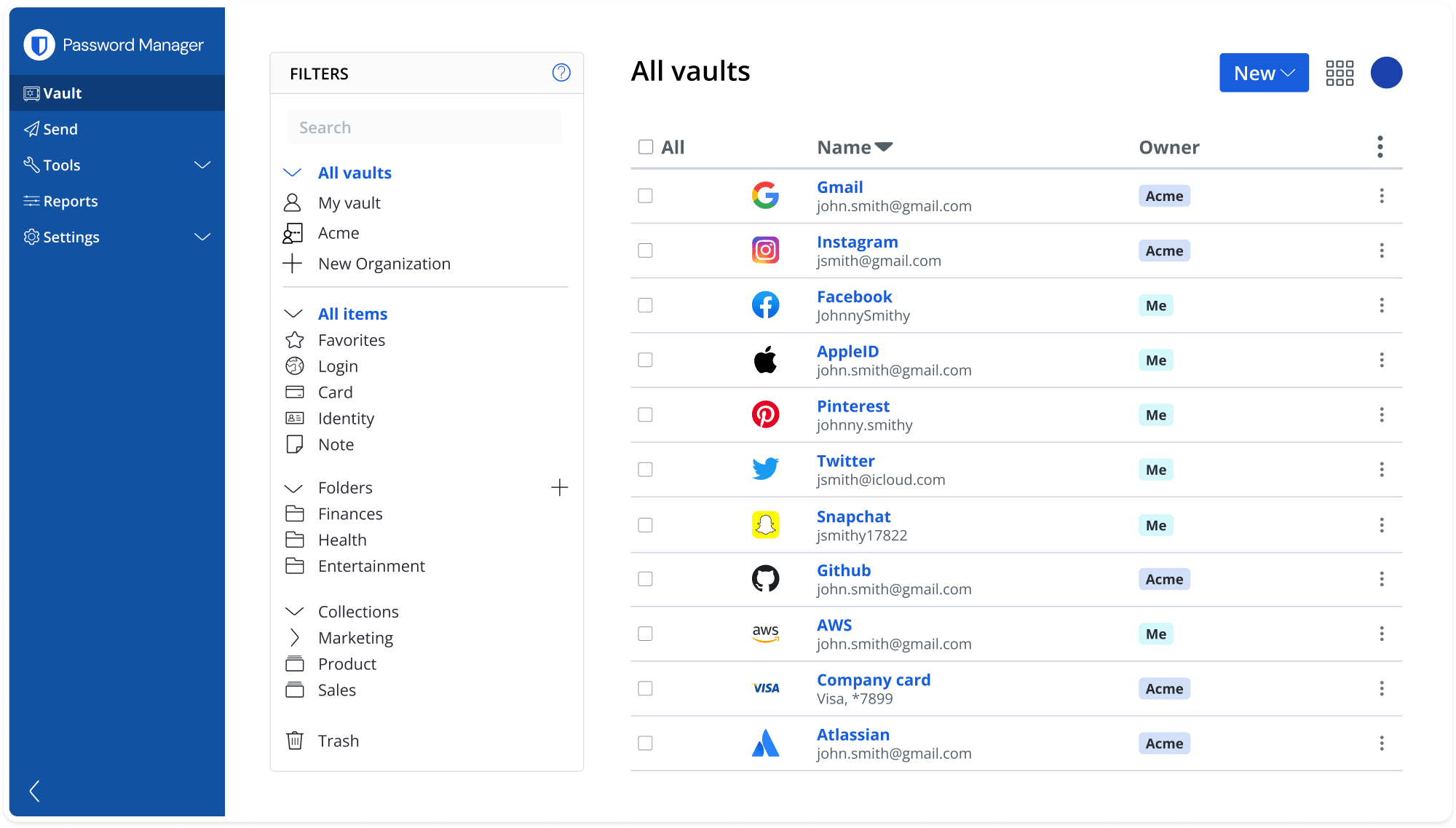
Configuration of Vaultwarden involved setting up robust encryption standards and user authentication mechanisms, ensuring passwords and sensitive data remain secure. The intuitive web interface simplifies managing and accessing stored credentials, streamlining the password management process.
To securely access Vaultwarden from anywhere, I utilized Cloudflare Tunnel (cloudflared) as a reverse proxy. Cloudflare’s tunneling solution ensures secure, encrypted connectivity to Vaultwarden without direct internet exposure. This setup significantly enhances security while providing seamless remote access.
Cloudflare Tunnel also simplifies SSL/TLS certificate management, automatically handling secure, encrypted connections without manual intervention. This ensures constant, reliable secure access to Vaultwarden with minimal administrative overhead.
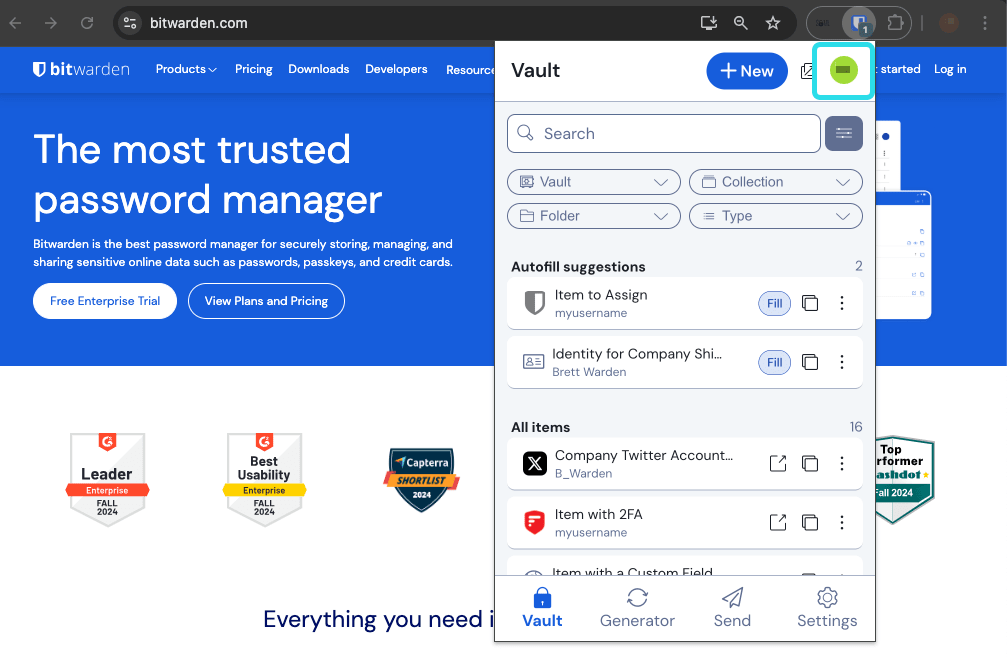
Additionally, Vaultwarden fully supports Bitwarden applications and browser extensions, offering a familiar and convenient user experience. Users can easily manage, autofill, and securely synchronize passwords across multiple devices and platforms, enhancing usability and productivity.
Conclusion
Self-hosting Vaultwarden using Docker on a Debian VM, protected by Cloudflare’s reverse proxy solution, provides an exceptionally secure and accessible password management system. This robust setup enables convenient password management while maintaining full control and strong security, ideal for both personal and professional use.